Family portraits
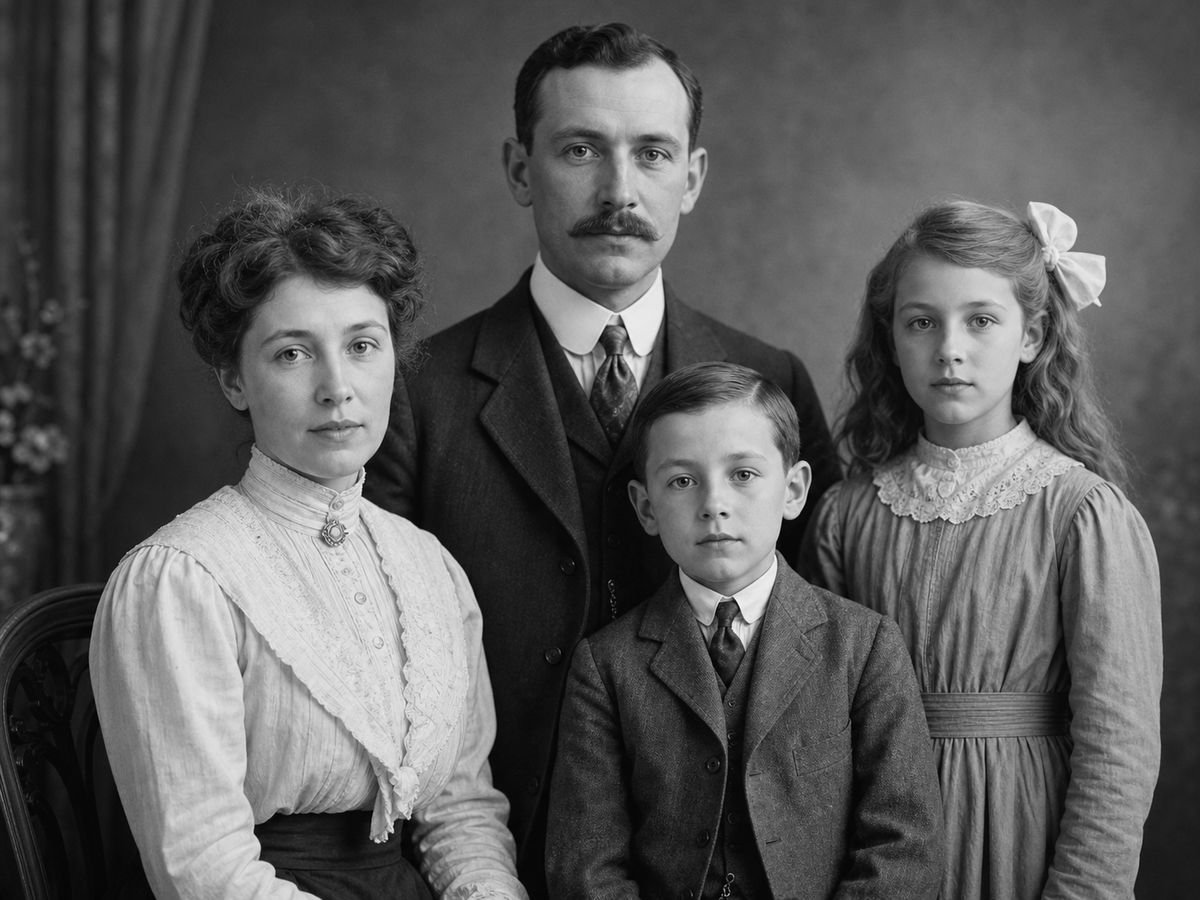
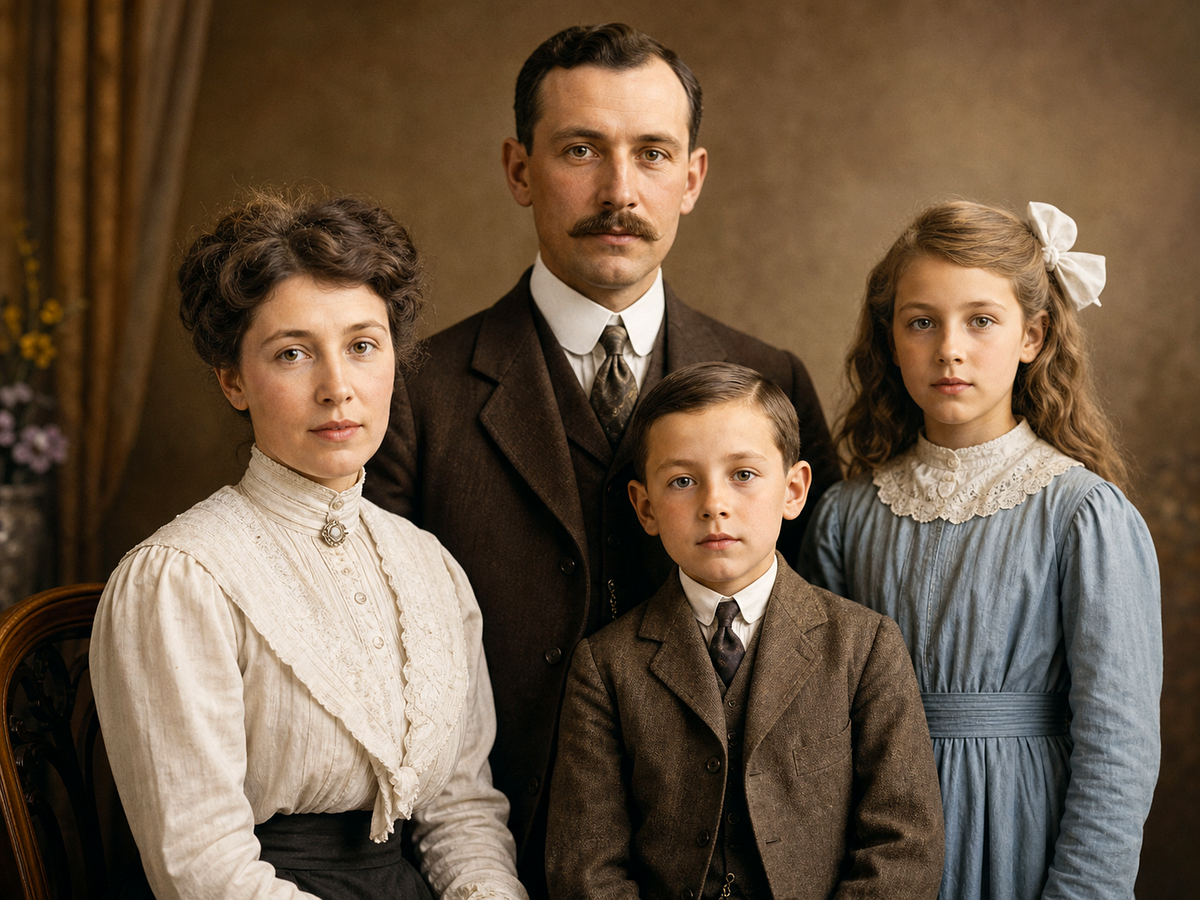
Add plausible color to old portraits while keeping the original facial character.
Add natural color to portraits, family photos, historical images, and vintage visuals while preserving the original mood.
Overview
Start from a focused image goal, then continue in the studio when you are ready to create the finished result.
Use photo colorization when a black-and-white image needs a warmer, more vivid version for family archives, storytelling, editorial work, or campaign assets.
Megick pairs colorization with restoration and enhancement, so older images can be repaired first and colorized with better context.
Why use it
Practical ways to use this tool across product images, content, campaigns, and creative review.
Add plausible color to old portraits while keeping the original facial character.
Create colorized versions for storytelling, exhibits, education, or editorial layouts.
Turn monochrome source material into richer visuals for campaigns and posts.
Results
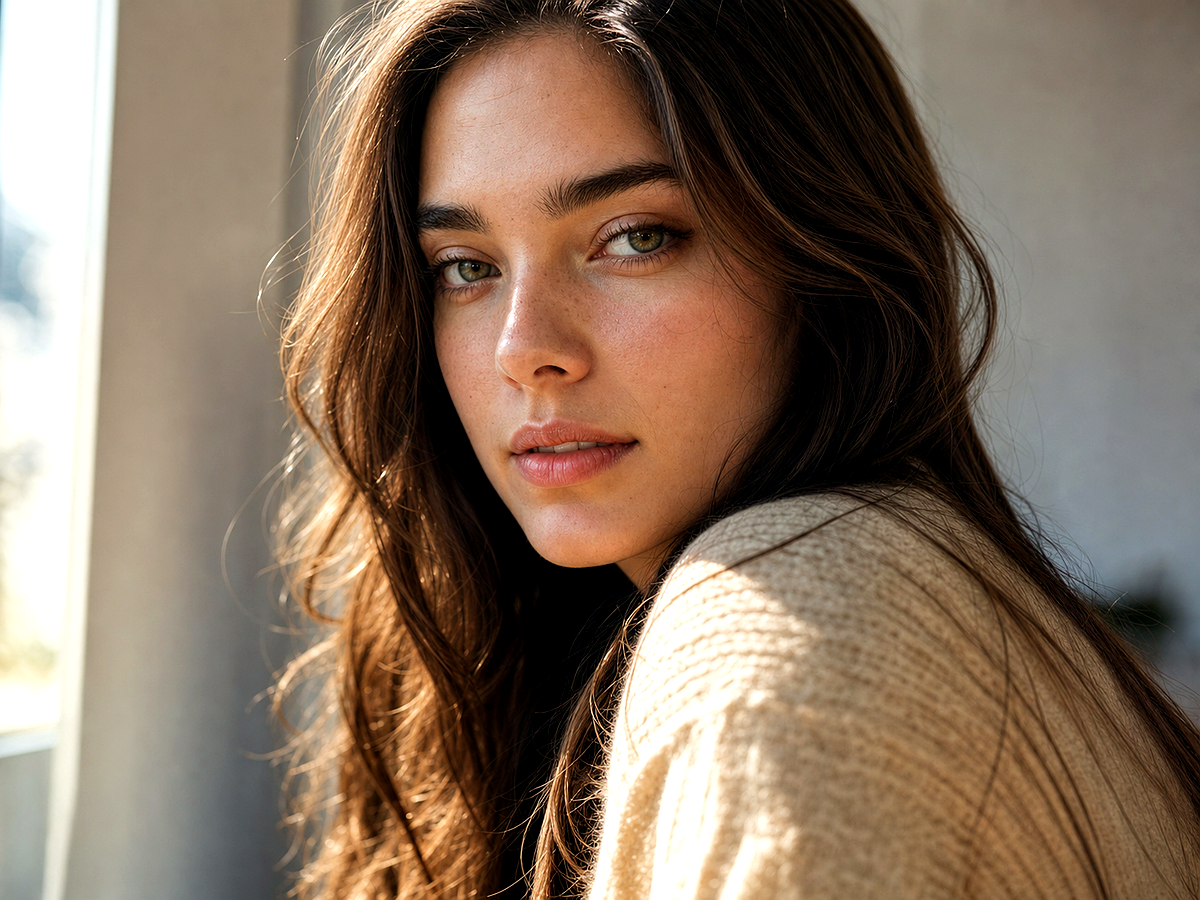
Compare the original image with the edited result. Move the handle to inspect edges, texture, lighting, and subject detail.

Create
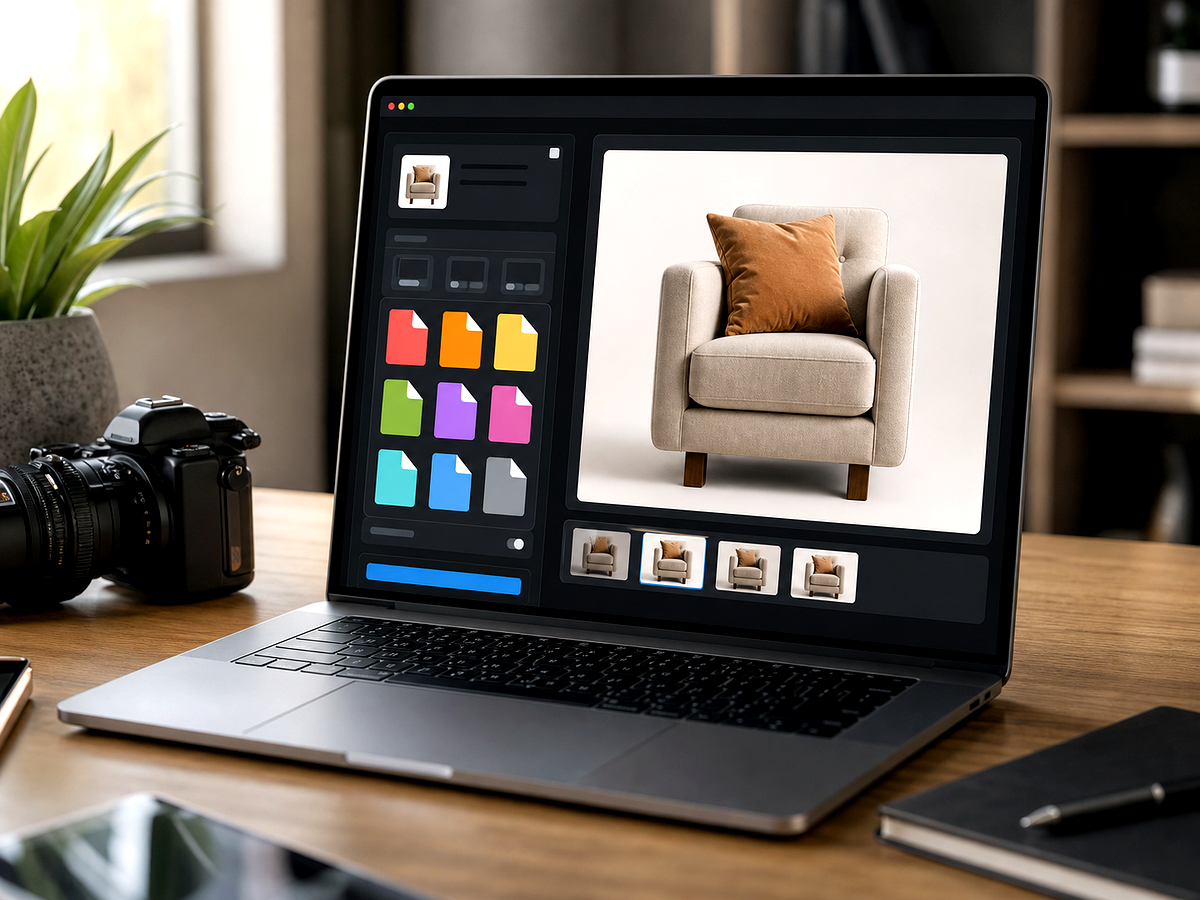
Use the button when you are ready to work with prompts, references, variants, and follow-up edits in one workspace.
Continue in image studioClean damage, contrast, and scratches before adding color.
Describe era, clothing, skin tone, environment, and natural color expectations.
Review skin, eyes, fabric, and background colors for believable results.
Improvements
A quick view of the practical image improvements this tool is best suited to handle.
Feedback
The comparison view makes it easier to spot whether details stayed natural.
Having related image tools close by keeps cleanup, enhancement, and export decisions in one workflow.
The studio path is direct: open the image, describe the edit, compare, then keep the best result.
Related tools
Move between connected image tasks without losing your place.
Prepare images for web, social, and team handoff with format-aware guidance.

Turn one white-background product image into a complete ecommerce visual suite.
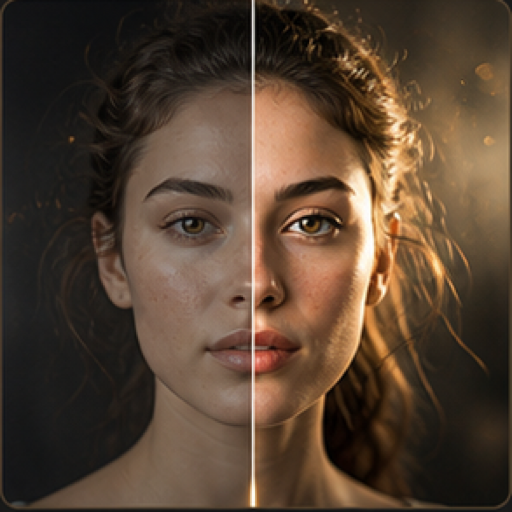
Enhance everyday photos for clearer portraits, product shots, and social visuals.
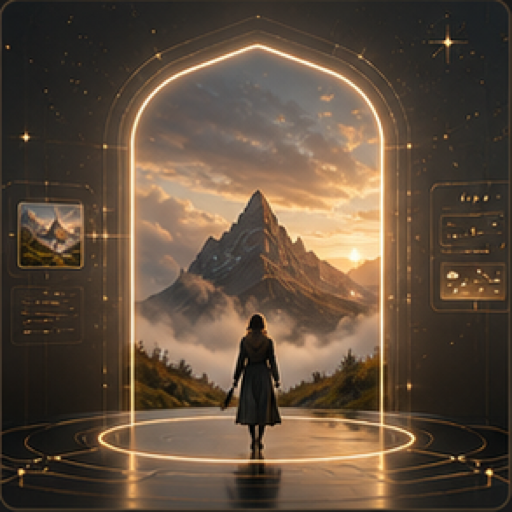
Create product visuals, posters, ads, and concept art from a written prompt.
FAQ
Yes. AI can infer plausible colors for black-and-white images, especially when subjects and lighting are clear.
Usually yes. Restoration can improve structure and contrast before color is added.
They are AI-inferred unless you provide reference information. Use prompts to guide era, clothing, and scene details.
Open Megick to colorize the image and pair it with restoration or enhancement when needed.
Continue to Megick to create, edit, compare, and save the finished image.