Draft mark cleanup
Remove internal review labels or layout notes from approved creative assets.
Remove internal draft labels, approved overlays, layout marks, or legacy watermarks only from assets you own or have permission to edit.
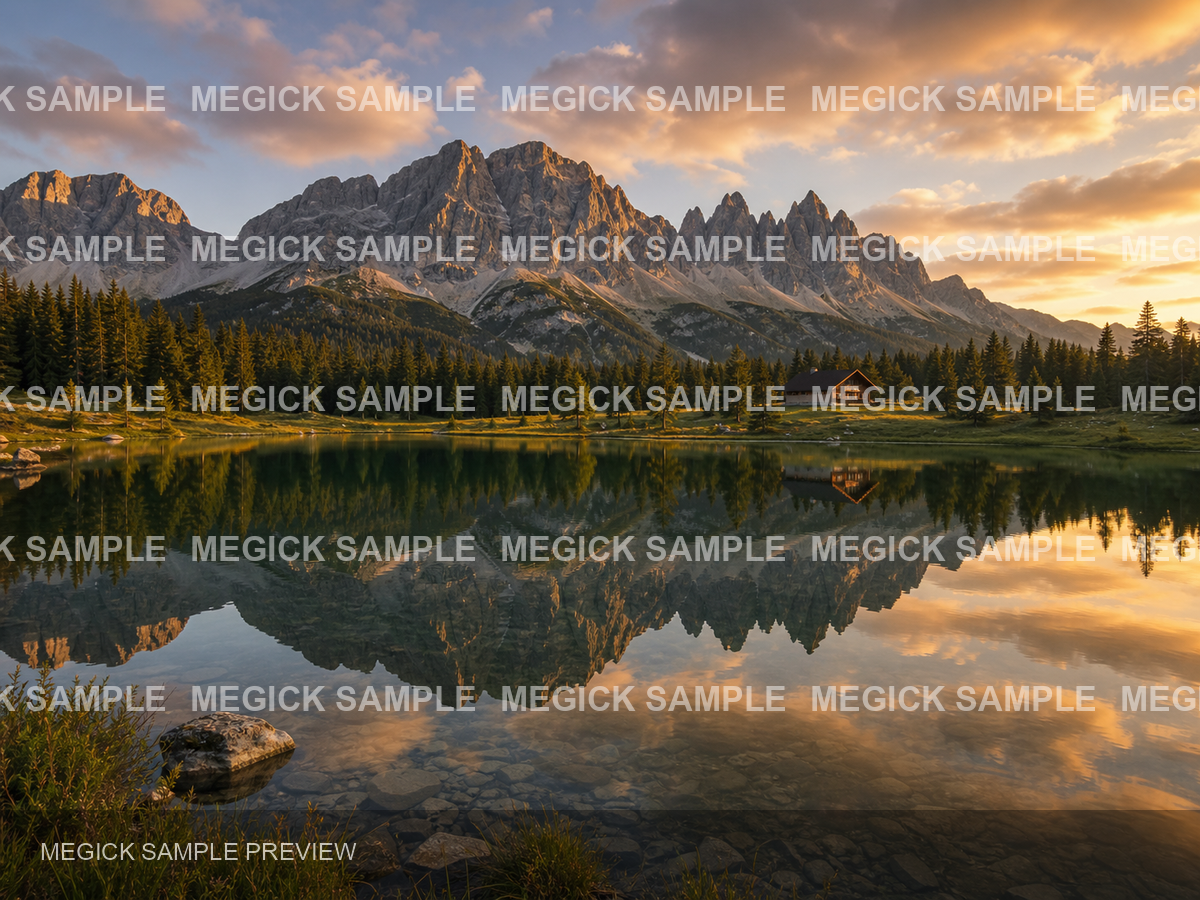
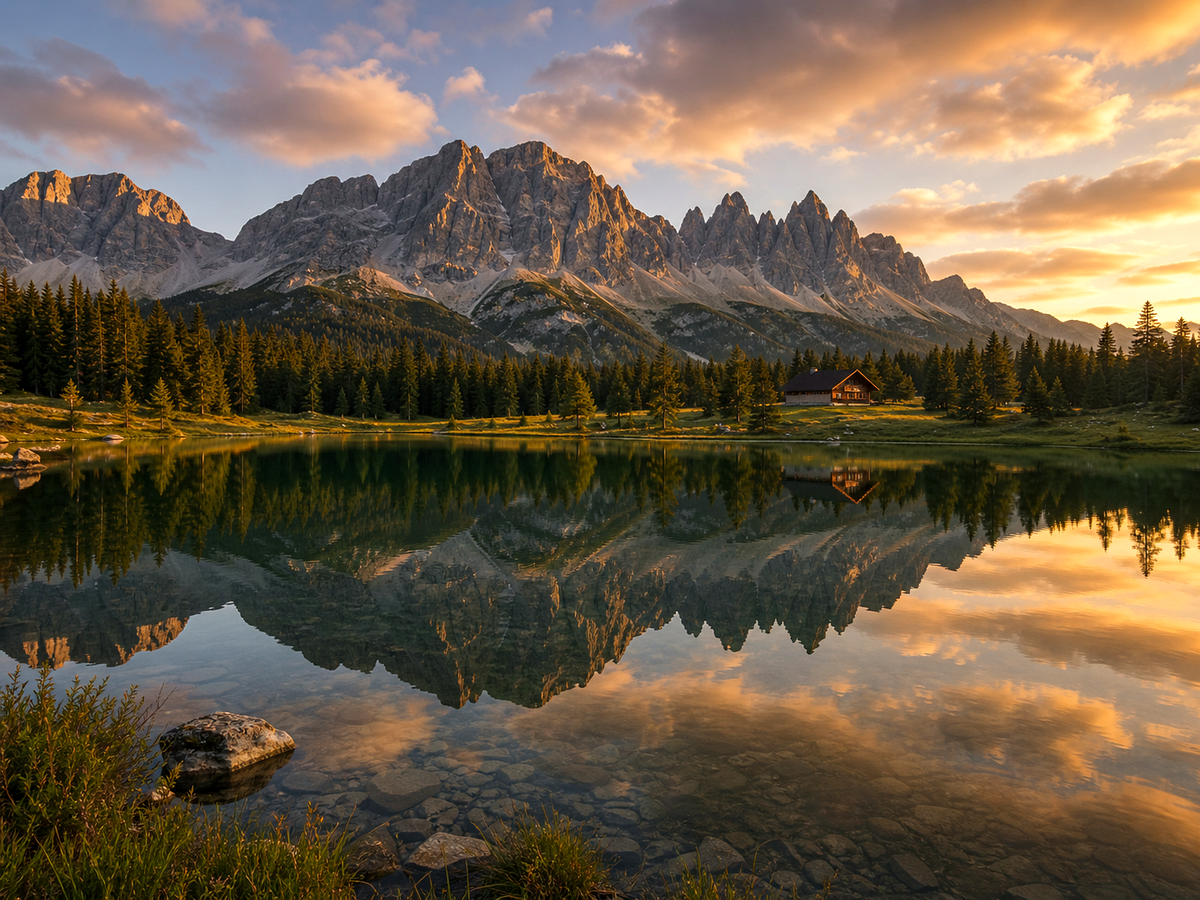
Overview
Start from a focused image goal, then continue in the studio when you are ready to create the finished result.
Use watermark cleanup only for assets you own, created, licensed, or have explicit permission to edit.
Megick frames this tool around legitimate cleanup: internal draft labels, layout notes, approved overlays, legacy campaign marks, and similar owned-asset repairs.
Why use it
Practical ways to use this tool across product images, content, campaigns, and creative review.
Remove internal review labels or layout notes from approved creative assets.
Clean old campaign marks from images your team owns and can legally edit.
Remove accidental overlays before using owned imagery in a deck or product page.
Results
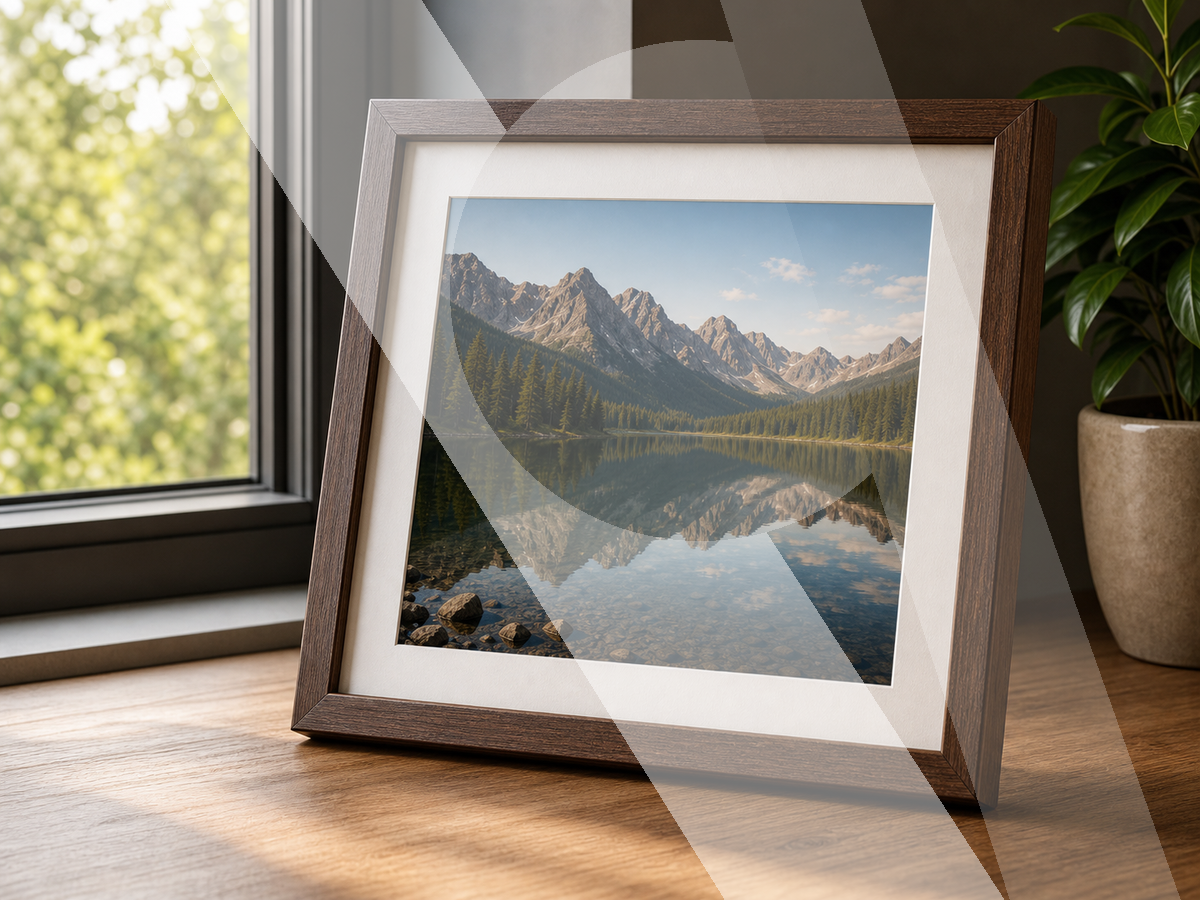
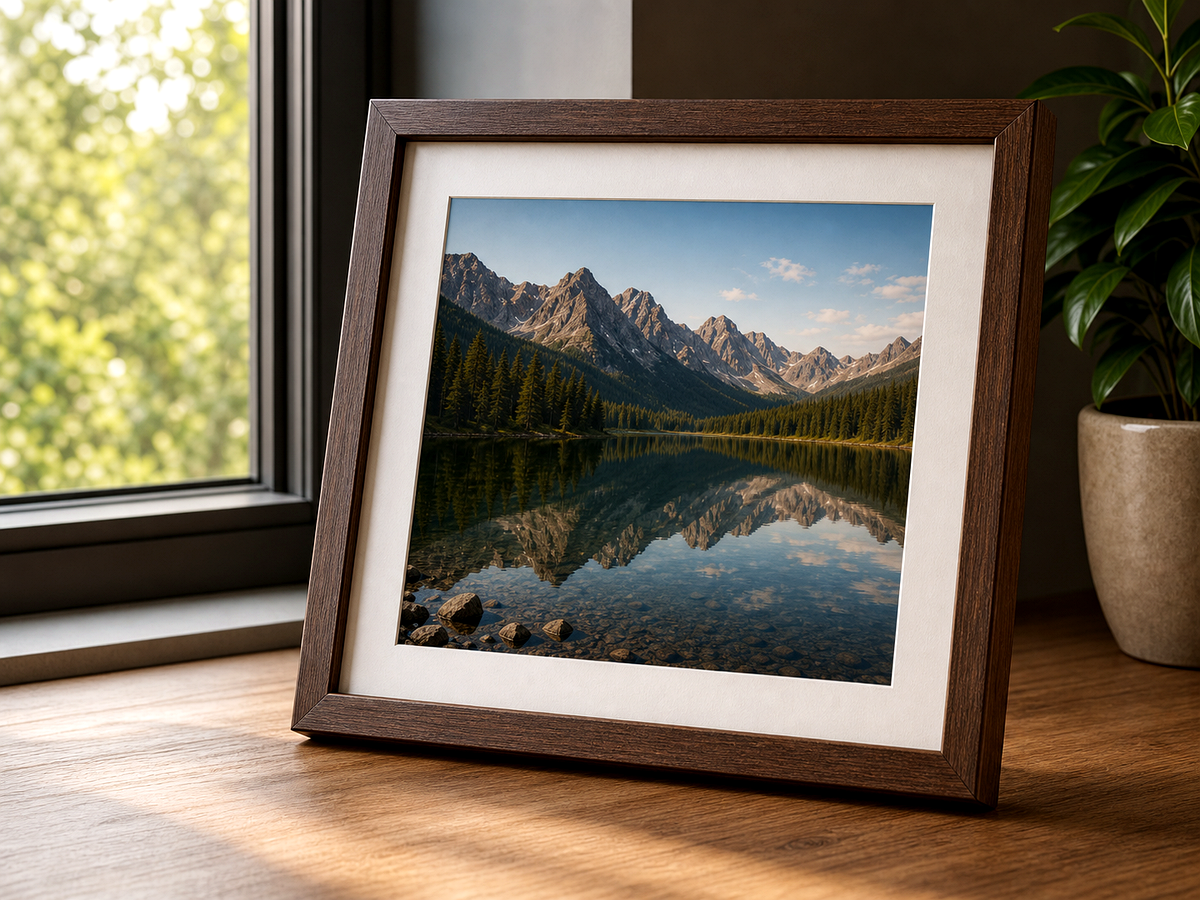
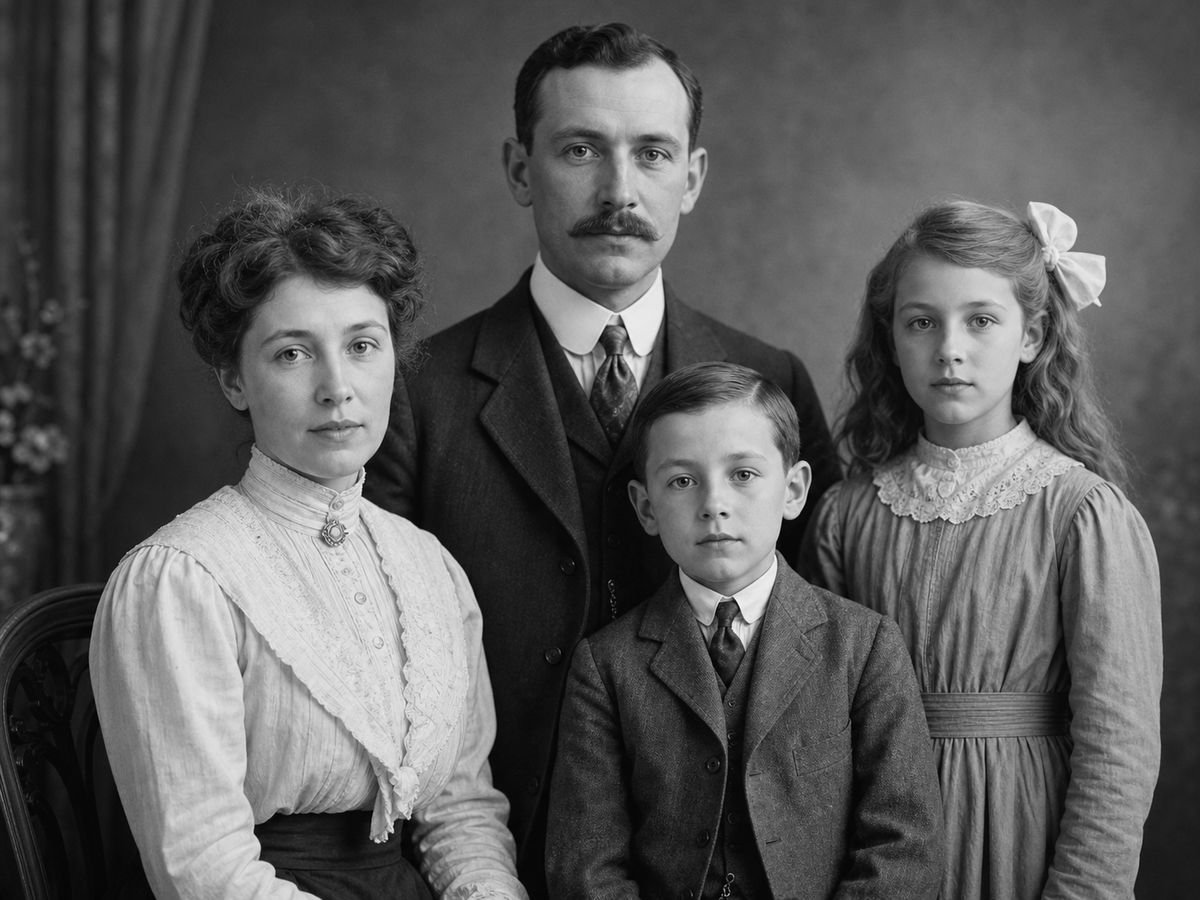
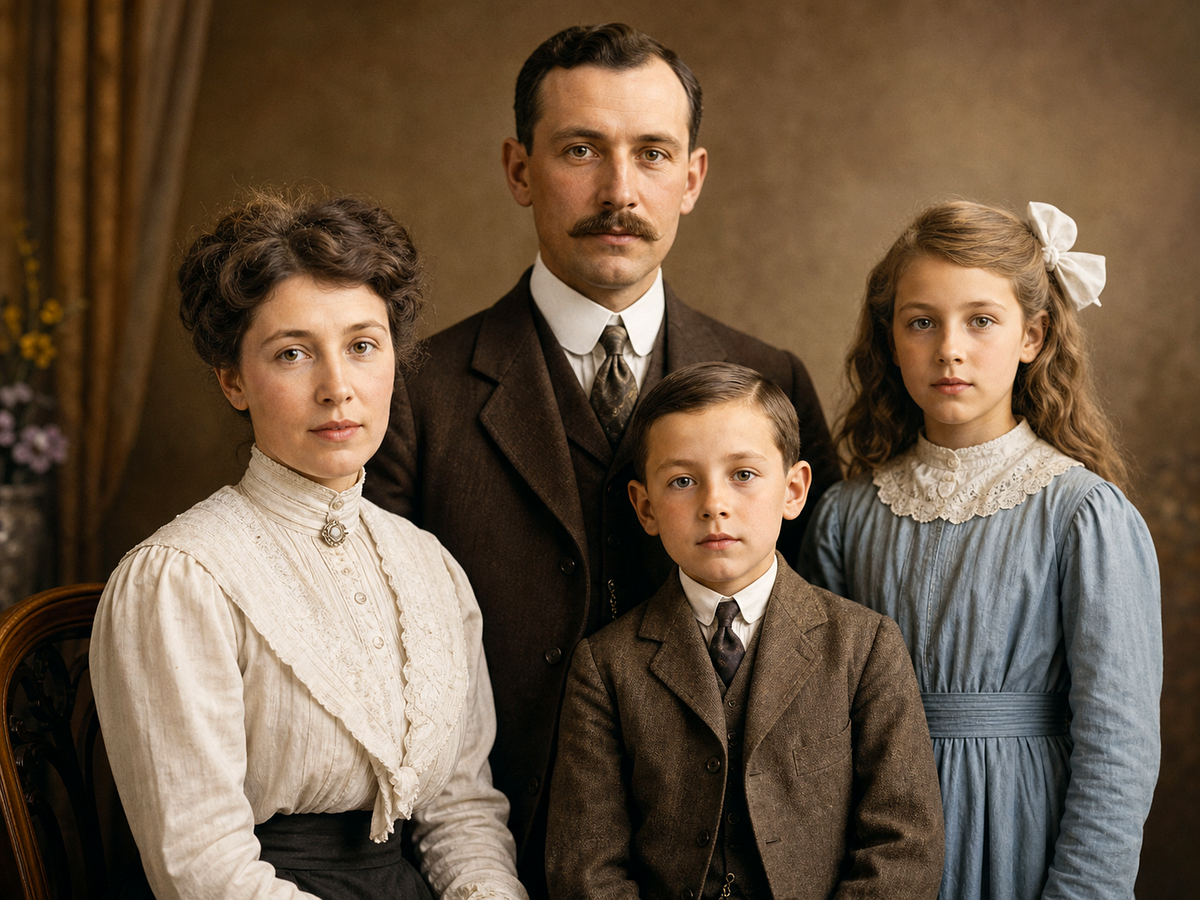
Compare the original image with the edited result. Move the handle to inspect edges, texture, lighting, and subject detail.
Create
Use the button when you are ready to work with prompts, references, variants, and follow-up edits in one workspace.
Continue in image studioOnly edit assets you own, created, licensed, or have explicit permission to modify.
Mention the specific mark, location, and background texture that should be repaired.
Check repeated patterns, edges, and fine texture before saving the final image.
Improvements
A quick view of the practical image improvements this tool is best suited to handle.
Feedback
The comparison view makes it easier to spot whether details stayed natural.
Having related image tools close by keeps cleanup, enhancement, and export decisions in one workflow.
The studio path is direct: open the image, describe the edit, compare, then keep the best result.
Related tools
Move between connected image tasks without losing your place.
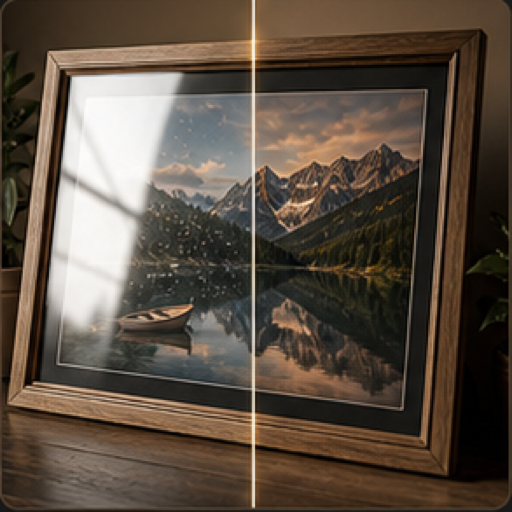
Reduce reflections, shine, harsh highlights, and glass glare in photos.

Add believable color to black-and-white portraits, archives, and vintage photos.
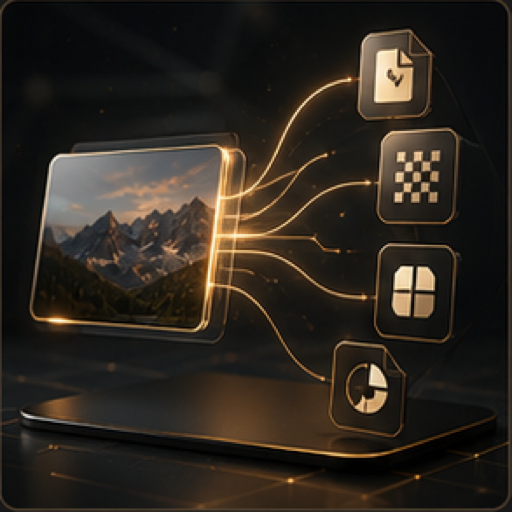
Prepare images for web, social, and team handoff with format-aware guidance.
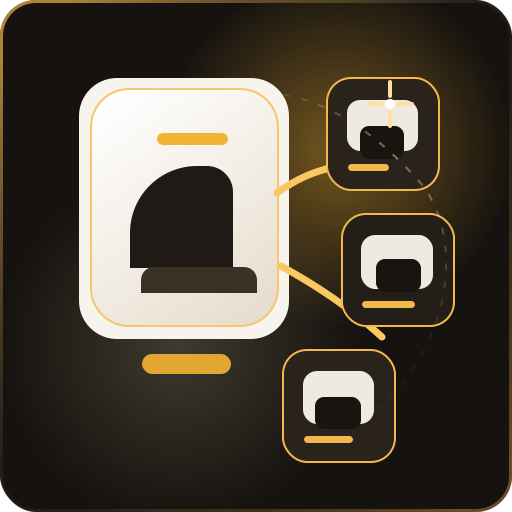
Turn one white-background product image into a complete ecommerce visual suite.
FAQ
No. Use this tool only on images you own, created, licensed, or have explicit permission to edit.
Internal draft labels, approved overlays, old campaign marks, accidental layout notes, and similar authorized marks.
Megick is designed for legitimate creative production, not for removing ownership or rights indicators from third-party work.
Open Megick and describe the authorized mark or overlay you want to clean.
Continue to Megick to create, edit, compare, and save the finished image.