Website publishing
Prepare images for web pages, blogs, feature sections, and gallery layouts.
Prepare images for publishing, ecommerce, social posts, decks, and creative handoff with format-aware editing in Megick.
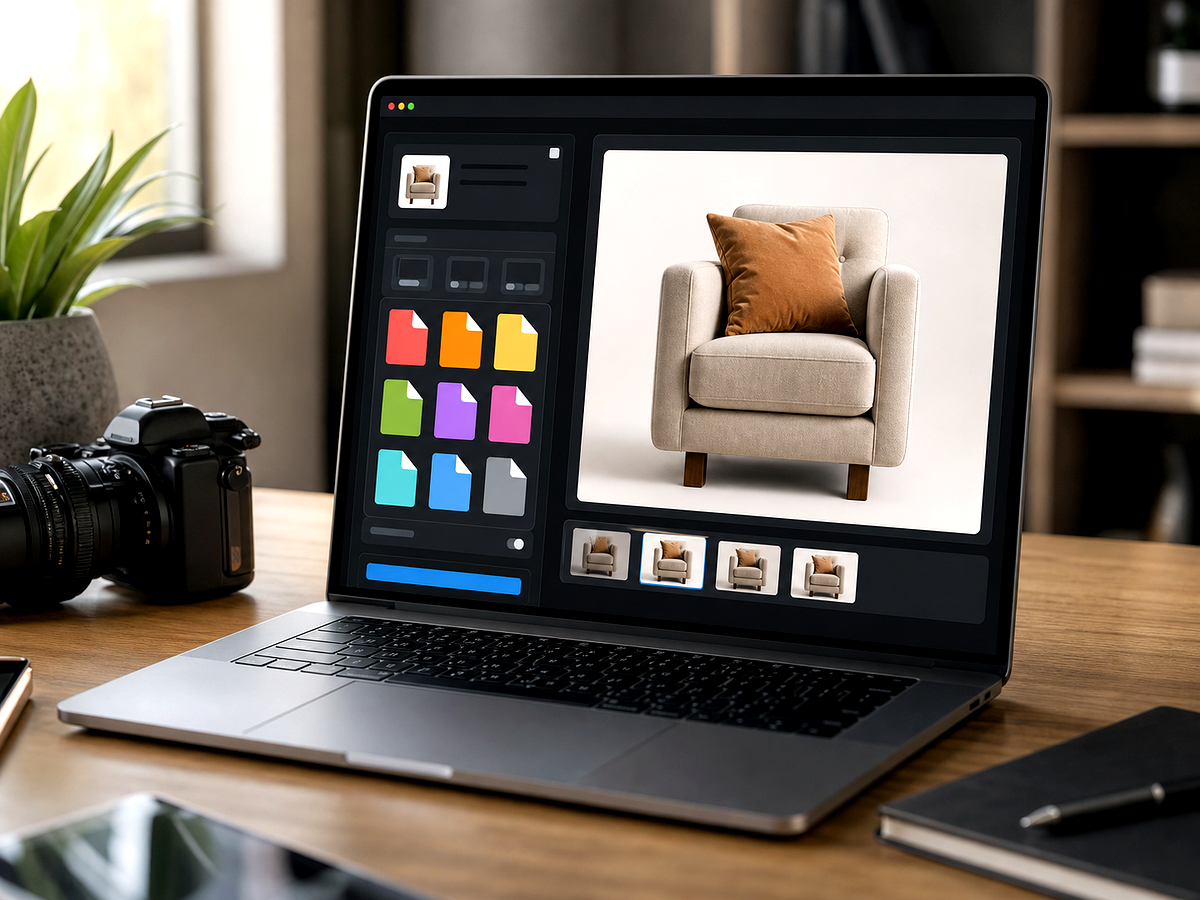
Overview
Start from a focused image goal, then continue in the studio when you are ready to create the finished result.
Image conversion is often part of a larger production task: the asset may need the right format, but it may also need better quality, ratio, size, or visual polish.
Megick helps prepare images for publishing, ecommerce, social posts, presentations, and creative handoff before the final asset is saved.
Why use it
Practical ways to use this tool across product images, content, campaigns, and creative review.
Prepare images for web pages, blogs, feature sections, and gallery layouts.
Standardize product visuals before uploading to store systems and marketplaces.
Create variants and final files that fit campaign, design, and content channels.
Results
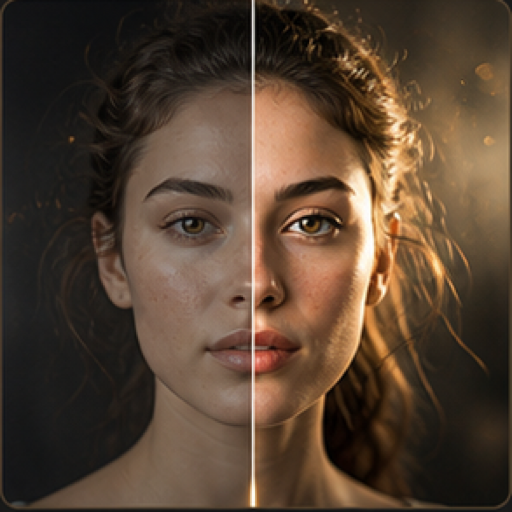
Compare the original image with the edited result. Move the handle to inspect edges, texture, lighting, and subject detail.



Create
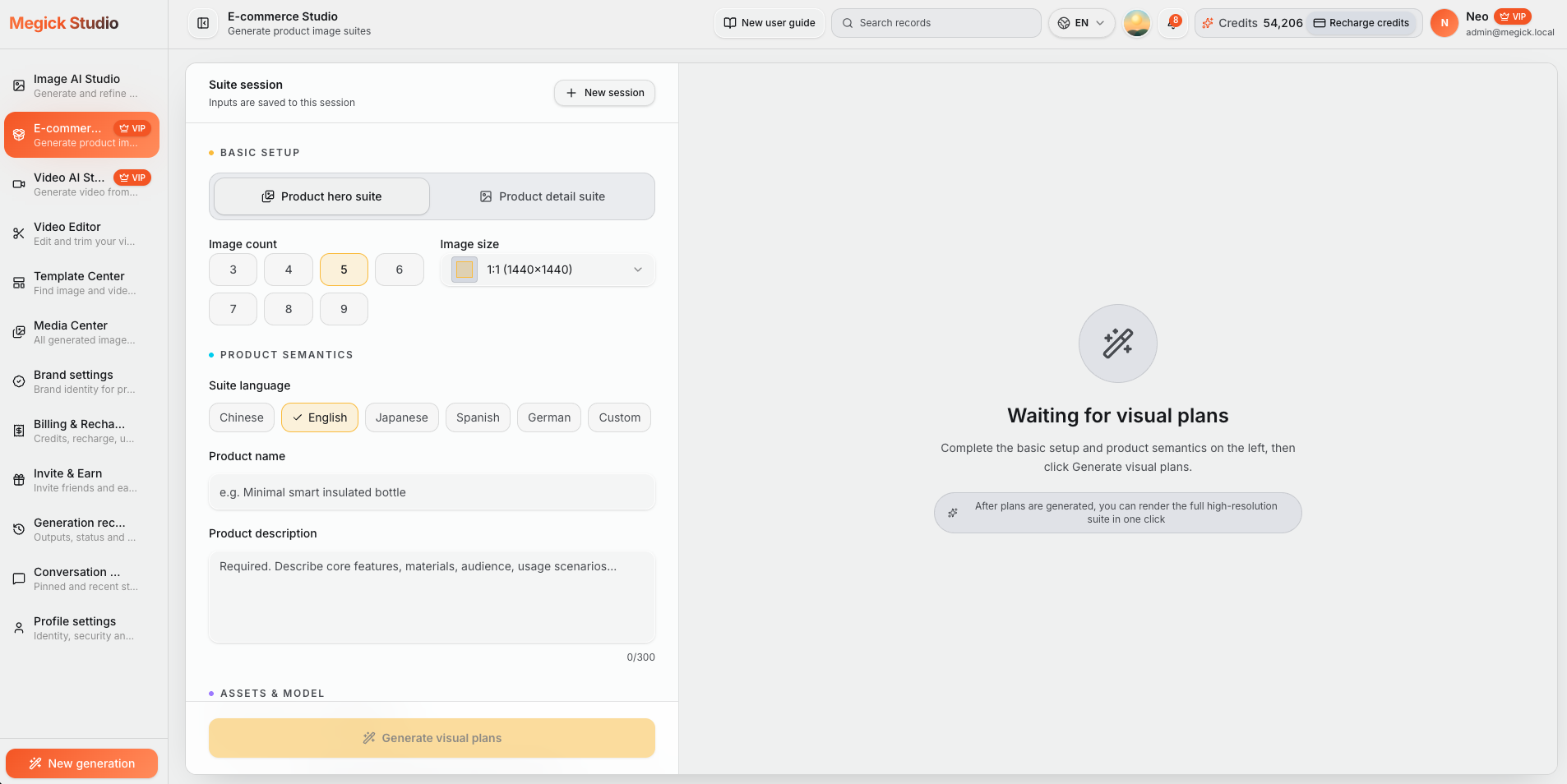
Use the button when you are ready to work with prompts, references, variants, and follow-up edits in one workspace.
Continue in image studioThink website, marketplace, social, deck, print draft, or archive.
Enhance, crop, upscale, or regenerate before finalizing the output format.
Keep a version that matches the required size, ratio, and quality expectation.
Improvements
A quick view of the practical image improvements this tool is best suited to handle.
Feedback
The comparison view makes it easier to spot whether details stayed natural.
Having related image tools close by keeps cleanup, enhancement, and export decisions in one workflow.
The studio path is direct: open the image, describe the edit, compare, then keep the best result.
Related tools
Move between connected image tasks without losing your place.

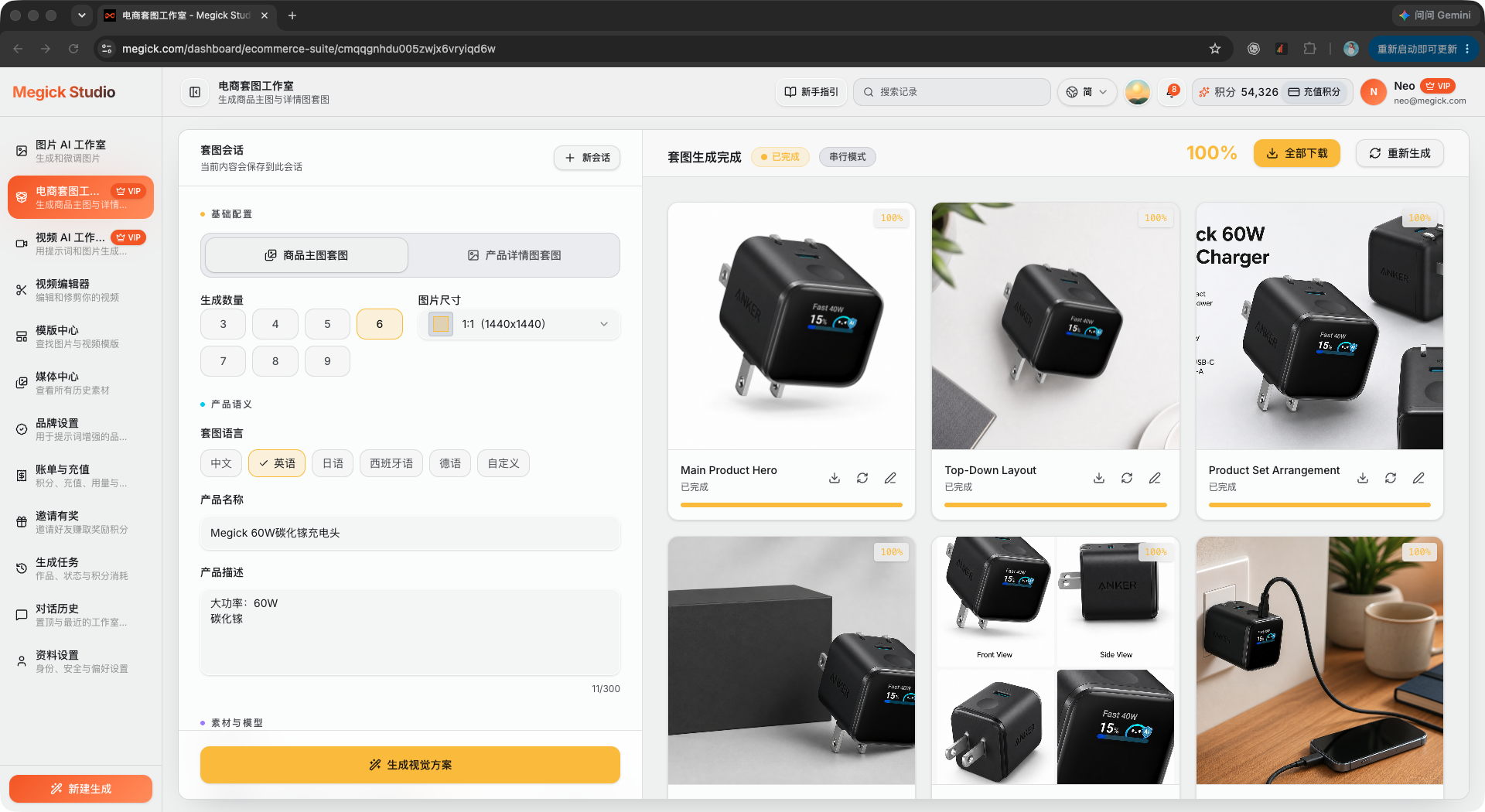
Turn one white-background product image into a complete ecommerce visual suite.
Enhance everyday photos for clearer portraits, product shots, and social visuals.

Create product visuals, posters, ads, and concept art from a written prompt.
Improve clarity, contrast, texture, and perceived quality for everyday photos.
FAQ
No. Megick focuses on preparing higher-quality image assets for publishing, including edits that may need to happen before final export.
Use the format your publishing system supports best while balancing transparency, file size, and image quality.
Usually edit and enhance first, then prepare the final file for the destination.
Open Megick and prepare the image for its final destination.
Continue to Megick to create, edit, compare, and save the finished image.