Ecommerce product cutouts
Prepare clean product images for marketplaces, PDP galleries, and comparison cards.
Remove clutter, create cutouts, and build cleaner visual compositions for products, portraits, social posts, and ads.
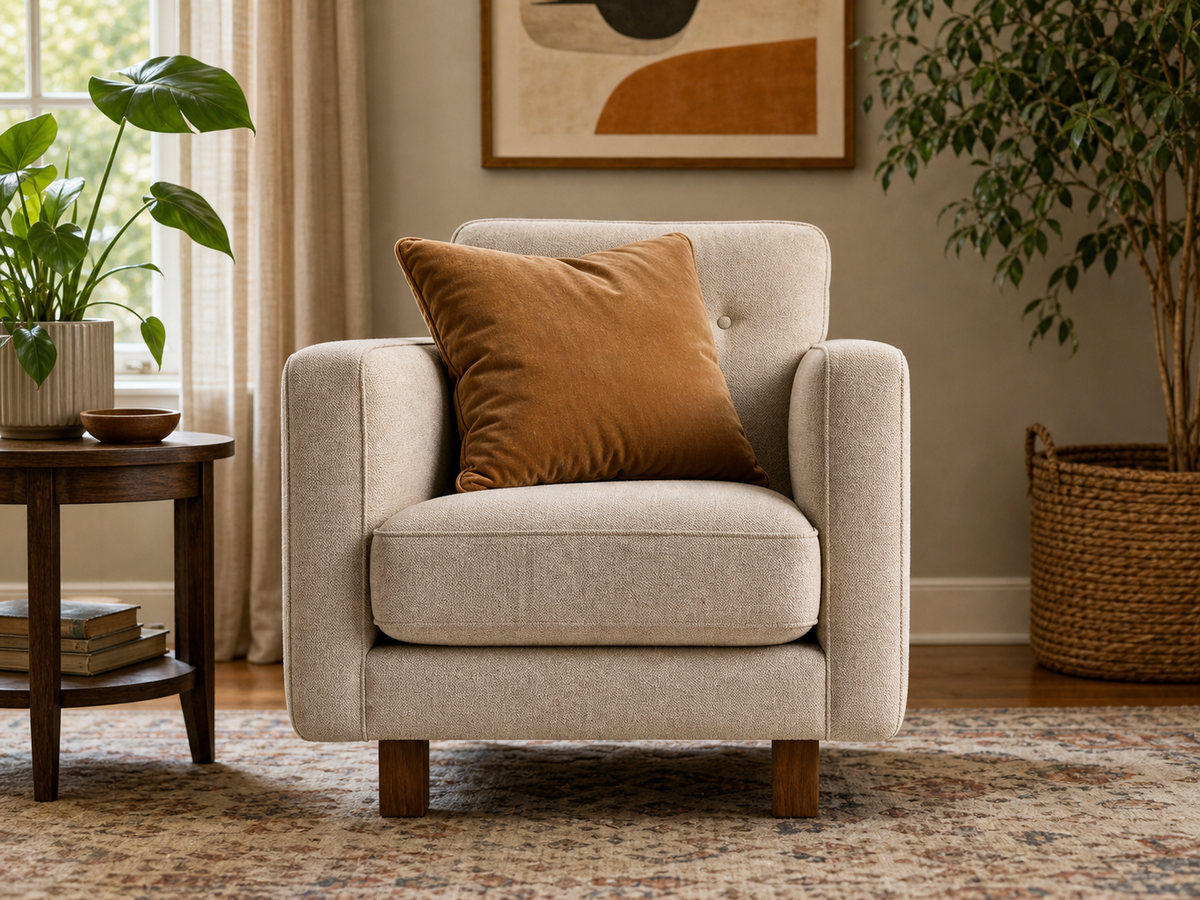
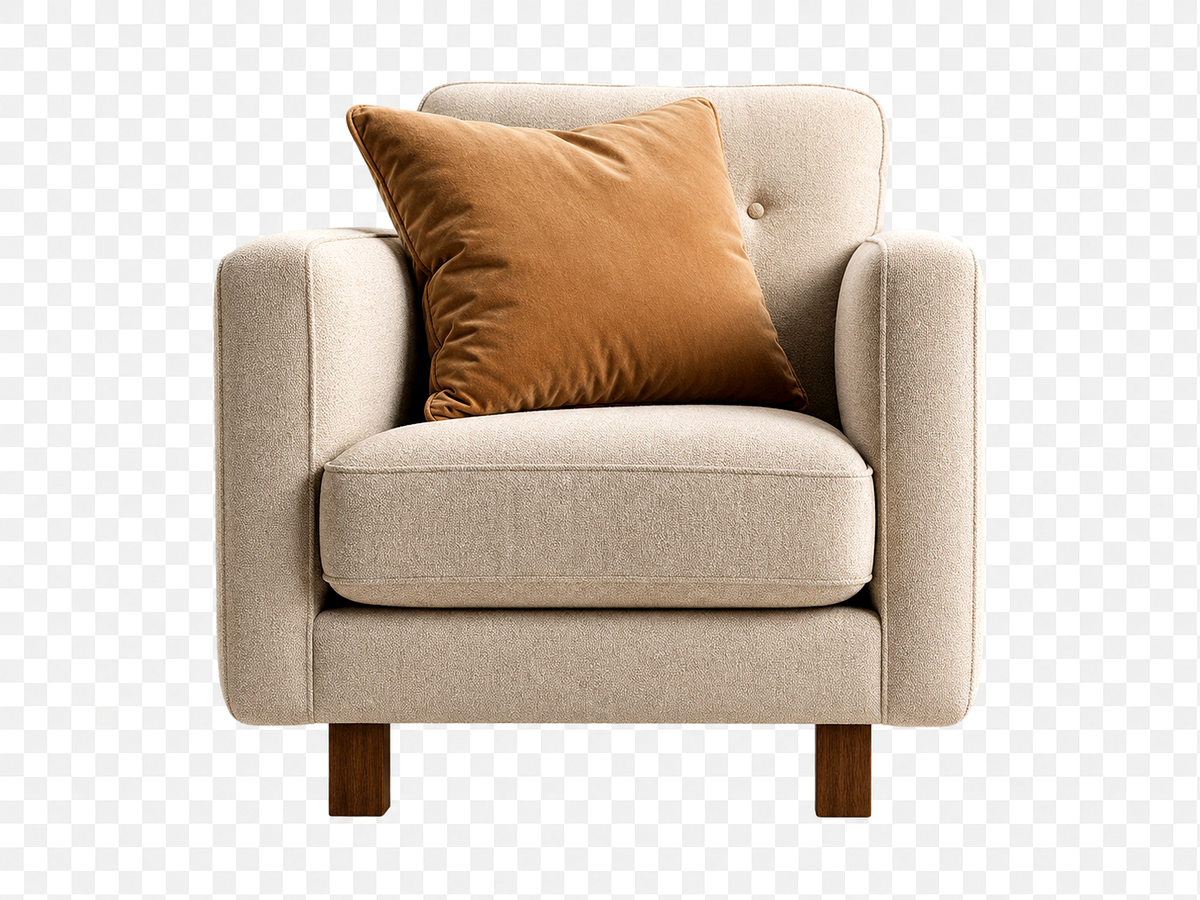
Overview
Start from a focused image goal, then continue in the studio when you are ready to create the finished result.
Background removal is useful when the subject is strong but the surrounding scene is cluttered, off-brand, or hard to reuse.
Megick supports product cutouts, portrait edits, transparent-style outputs, and generated replacement backgrounds in the same workspace.
Why use it
Practical ways to use this tool across product images, content, campaigns, and creative review.
Prepare clean product images for marketplaces, PDP galleries, and comparison cards.
Remove distracting rooms or replace them with branded backgrounds.
Combine a subject with generated scenes, textures, or campaign backdrops.
Results
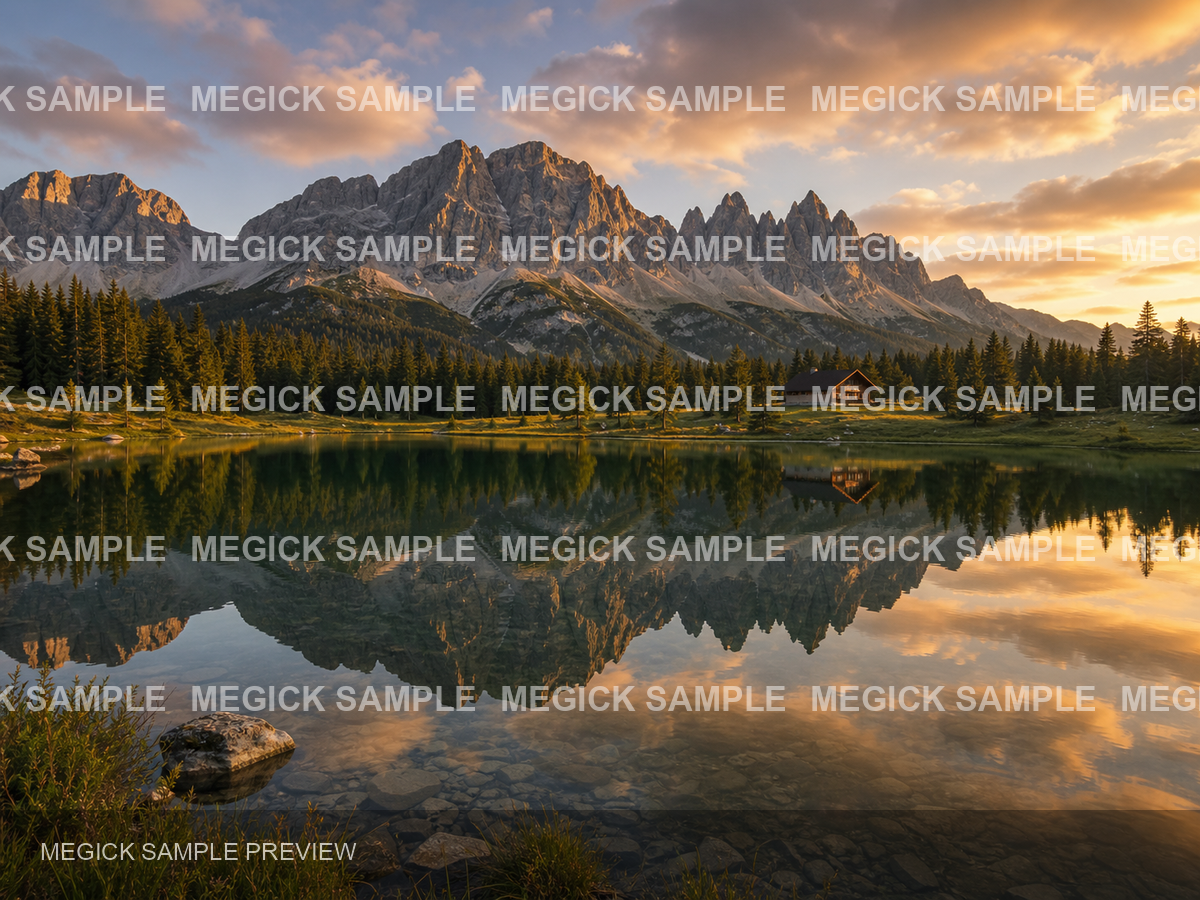
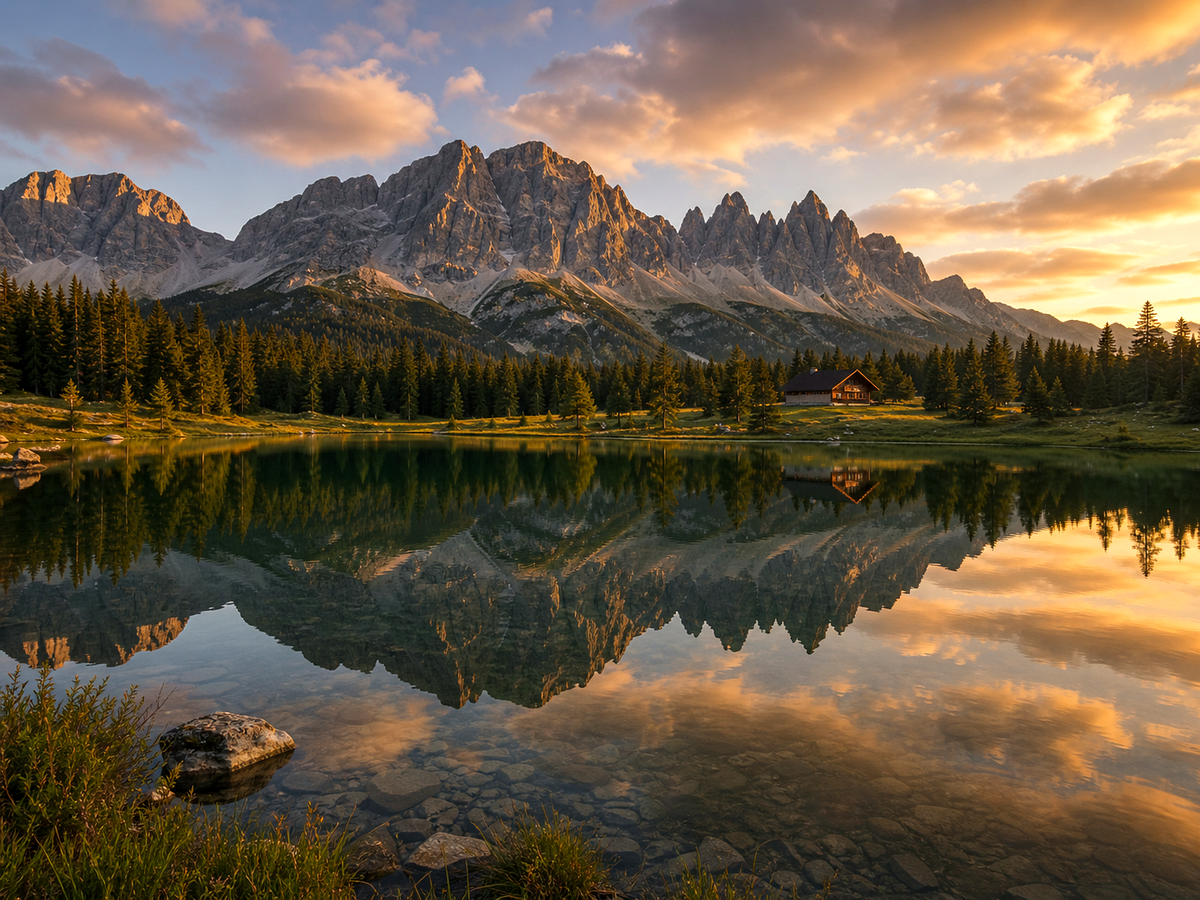
Compare the original image with the edited result. Move the handle to inspect edges, texture, lighting, and subject detail.
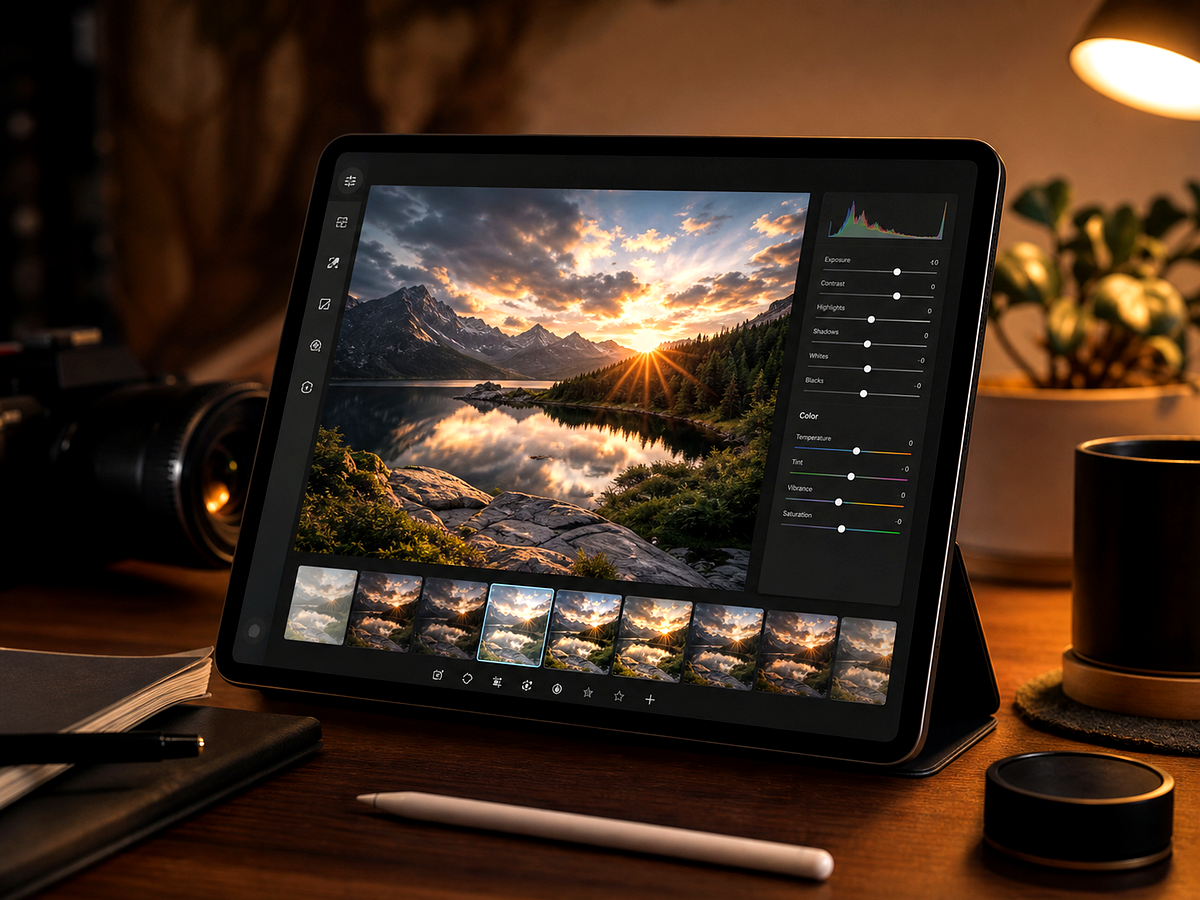


Create
Use the button when you are ready to work with prompts, references, variants, and follow-up edits in one workspace.
Continue in image studioStart with the subject image and decide whether to remove or replace the background.
Ask for transparent, solid color, studio sweep, lifestyle scene, or branded context.
Review hair, glass, shadows, and product edges before publishing.
Improvements
A quick view of the practical image improvements this tool is best suited to handle.
Feedback
The comparison view makes it easier to spot whether details stayed natural.
Having related image tools close by keeps cleanup, enhancement, and export decisions in one workflow.
The studio path is direct: open the image, describe the edit, compare, then keep the best result.
Related tools
Move between connected image tasks without losing your place.
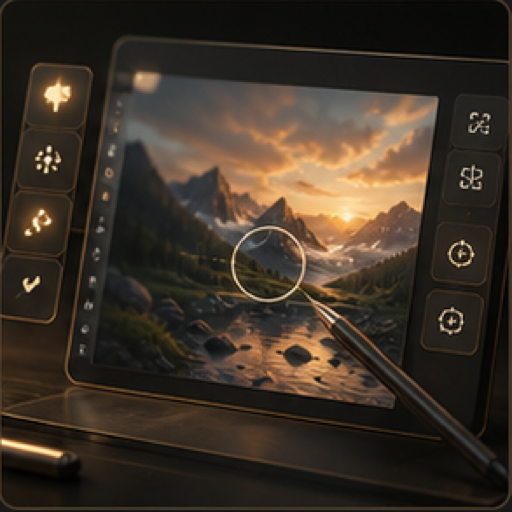
Edit, restyle, refine, and prepare image assets in one focused workspace.
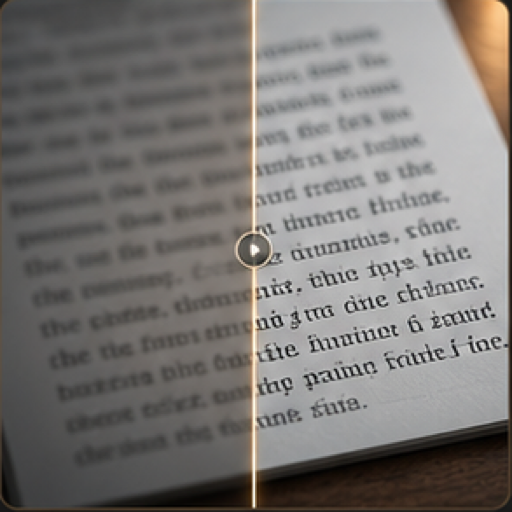
Improve readability in screenshots, scanned pages, labels, and text-heavy images.
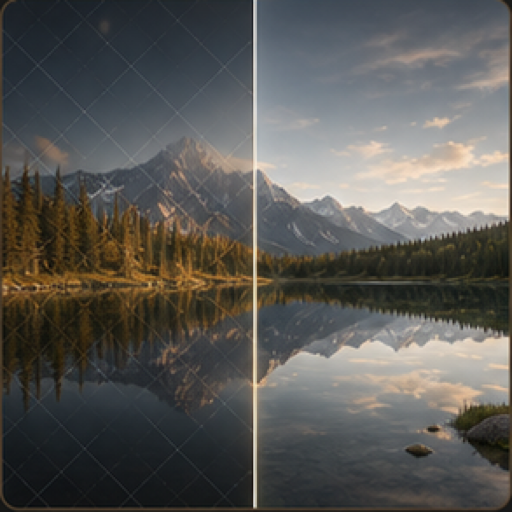
Clean owned images by removing internal draft marks, layout notes, or authorized overlays.
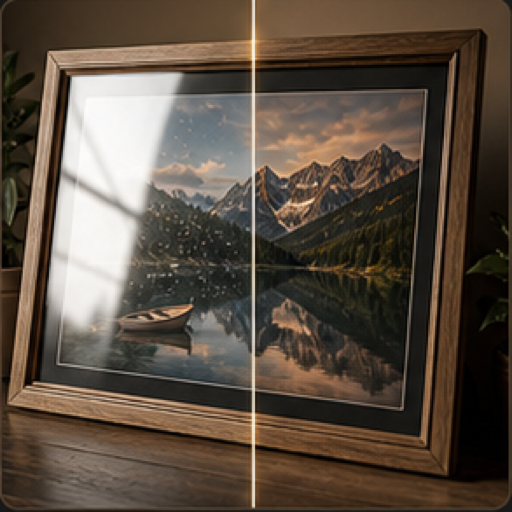
Reduce reflections, shine, harsh highlights, and glass glare in photos.
FAQ
Yes. Request a clean cutout or transparent-style output depending on the asset and where it will be used.
No. Background removal is useful for portraits, ads, social posts, thumbnails, and brand assets.
Inspect edges around hair, fabric, glass, product outlines, and any shadows that should remain natural.
Yes. Describe the replacement scene, color, lighting, and usage context in the image studio.
Continue to Megick to create, edit, compare, and save the finished image.